
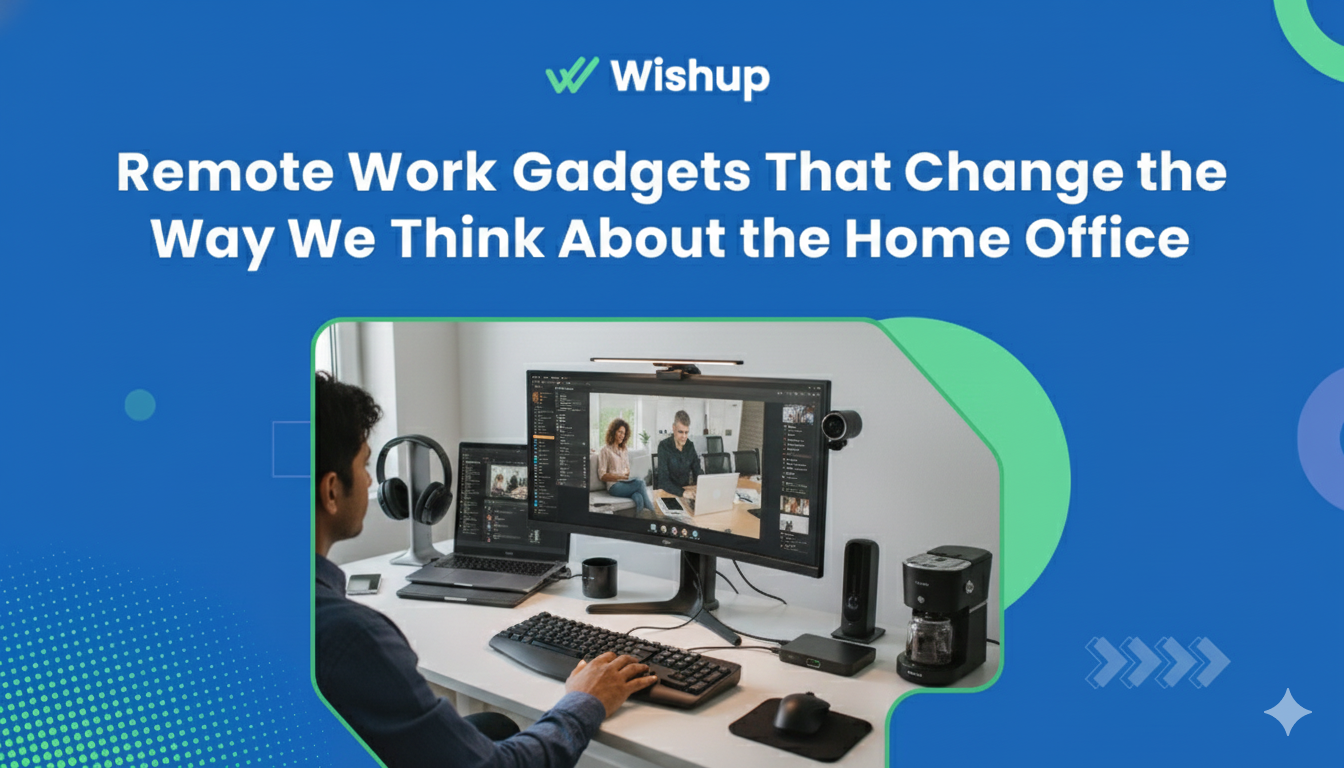
Remote work has shifted from an emergency fix to a long-term reality. That means workers are no longer improvising with kitchen chairs and dim corners. They're designing full-fledged home offices. The rise of gadgets for working from home reflects this transition. These tools go beyond convenience. They shape productivity, health, and even how we think about work-life balance.
This article explores ten categories of gadgets that are redefining the home office. Some sharpen focus, some protect physical health, and others make collaboration natural. All of them contribute to a smarter, more sustainable way of working.
Best Gadgets for Working from Home
There's no single device that guarantees success. Gadgets form an ecosystem: tools that complement one another, reduce friction, and build a space where productivity feels natural instead of forced.
Writing Tools: E-Ink Tablets and Ergonomic Keyboards
Dr. Susan L. Woodward, an education expert with WriteMyEssay, a service where you can pay experts to write an essay, stresses that writing tools are often overlooked in discussions about productivity. Her research shows that tools combining ergonomics and clarity improve both retention and output. For instance, e-ink tablets mimic the cognitive benefits of handwriting while cutting out distractions, and ergonomic keyboards prevent long-term strain injuries. Both factors matter more than people realize.
You can also add these writing assistants to your toolkit:
- Grammarly - AI-driven grammar and style checker that polishes writing in real time. Especially helpful for professional emails and client reports.
- Scrivener - A structured platform for long-form writing, ideal for research-heavy projects or drafting multiple documents at once.
- Google Docs - A collaborative tool that allows simultaneous editing and easy sharing with teams. Essential for group writing tasks.
- Notion - A flexible workspace where you can draft notes, organize documents, and link databases; powerful for combining writing with project management.
- Evernote - A favorite for digital note-taking, with tagging and syncing across devices for easy retrieval.
- Hemingway Editor - A clarity-focused app that highlights complex sentences, helping users simplify their writing for a stronger impact.
- Microsoft OneNote - A digital notebook that integrates with the Office suite, allowing handwritten notes, images, and text all in one place.
Communication Tools: Webcams and USB Microphones
Clarity in communication defines credibility. Poor video or audio can make even the strongest ideas feel weak. That's why WFH gadgets like webcams and external microphones matter. High-definition webcams improve visual presence, reducing the "Zoom fatigue" caused by grainy feeds. USB microphones capture richer, more natural sound than built-in laptop hardware, which research shows increases audience engagement and reduces cognitive strain during virtual meetings.
Remote communication is no longer a luxury. It's the frontline of professional presence, and investing in quality gear is one of the fastest ways to upgrade how you're perceived.
Project Management Tools: Digital Whiteboards and Smart Tablets
Managing projects remotely demands visibility and interaction. Digital whiteboards and smart tablets replicate the dynamic feel of in-office collaboration while offering new layers of flexibility. Research on spatial learning demonstrates that mapping ideas visually improves retention, and teams that integrate these tools often report smoother workflows.
How project management gadgets support remote work:
● Digital whiteboards replicate brainstorming with sticky notes, arrows, and freehand sketches.
● Smart tablets with stylus input allow you to sketch workflows and diagrams in meetings.
● Cloud syncing keeps project boards updated in real time across teams and time zones.
● Integrations with project management apps like Trello or Asana streamline task tracking.
● Remote accessibility means team members can contribute ideas from anywhere, anytime.
● Archived boards provide a searchable record of past discussions and plans.
Productivity Apps: Smart Keyboards and Time-Tracking Devices
Efficiency often slips away in small moments: extra clicks, lost focus, time wasted on repetitive tasks. That's where gadgets like smart keyboards and time trackers prove their value. Smart keyboards let you program shortcuts for frequent actions, while time-tracking devices show exactly where your hours go. Both give structure to the remote workday, ensuring it doesn't dissolve into distraction.
Examples of productivity gadgets that drive focus:
● Smart keyboards with programmable macros that cut repetitive actions.
● Time trackers like desk timers or app-linked cubes that record tasks instantly.
● Multi-device keyboards that switch between laptop, tablet, and phone.
● Wearable productivity trackers that nudge you when attention drifts.
● Apps paired with devices that generate weekly focus reports.
● Shortcut pedals or buttons for video editing, design, or coding workflows.
Lighting Gadgets: Ring Lights and Smart Desk Lamps
Among powerful gadget essentials, lighting often gets ignored — until you notice the fatigue that poor light creates. Eye strain, low energy, and even disrupted sleep patterns trace back to bad lighting. Ring lights ensure you look professional on video calls, while smart desk lamps adjust brightness and color temperature to match the time of day.
Studies in circadian rhythm research show that natural-spectrum light helps regulate alertness. For remote workers, this isn't just about appearance; it's about keeping the body aligned with healthy energy cycles.
Noise-Canceling Headphones: Over-Ear and In-Ear Options
Focus is fragile, especially in shared spaces. That's why headphones have become one of the most essential categories of remote work gear. Over-ear models create immersive silence, while in-ear options deliver portability without sacrificing sound quality.
Beyond blocking noise, modern headphones include adaptive features: soundscapes for concentration, transparency modes for quick conversations, and long battery life for extended workdays. By reducing distractions, they create a mental boundary that separates work from the chaos around you.
Healthy Workspace: Standing Desks and Posture Trackers
Physical health underpins productivity. Remote workers who ignore ergonomics often feel the consequences, such as fatigue, back pain, and reduced focus. Standing desks and posture trackers transform static home setups into adaptive environments.
How healthy workspace gadgets improve daily life:
● Adjustable standing desks reduce sedentary strain by promoting movement.
● Posture trackers provide real-time feedback on slouching.
● Under-desk treadmills or balance boards encourage active work sessions.
● Ergonomic chairs maintain spinal alignment over long hours.
● Desk converters add flexibility to traditional setups.
● Footrests and wrist supports reduce joint stress.
Collaboration Gadgets: Wireless Presentation Clickers and Shared Digital Hubs
Remote collaboration thrives on seamless interaction. That's why must-have tech gadgets 2025 include wireless clickers and shared digital hubs. Presentation clickers make virtual pitches smoother, while hubs integrate files, calendars, and communication into one interface.
These tools erase friction in group work. Instead of juggling multiple platforms, teams share a single space, boosting coordination and cutting miscommunication. They represent a quiet but critical evolution in how remote teams function.
Mindfulness and Meditation Apps: Smartwatches and Biofeedback Devices
Cognitive performance depends on mental health. Mindfulness and meditation tools help workers manage stress before it undermines focus. Paired with gadgets like smartwatches or biofeedback headbands, these apps make well-being measurable.
Mindfulness gadgets and apps for remote workers:
● Smartwatches that monitor stress levels and suggest breathing exercises.
● Biofeedback devices that track heart rate variability during meditation.
● Apps that deliver short guided sessions for quick resets.
● VR-based mindfulness platforms that immerse you in calming environments.
● Wearable rings or clips that detect spikes in stress and nudge you to pause.
● Cloud dashboards that log progress over weeks or months.
These aren't luxuries. They're safeguards against burnout, helping workers sustain performance across long stretches of remote work.
Connectivity Gadgets: Wi-Fi Range Extenders and Portable Routers
Strong connectivity underpins everything else. Wi-Fi range extenders eliminate dead zones in larger homes, while portable routers ensure stable internet when traveling or working from cafés. Without them, even the best gear collapses under the frustration of lag and dropped calls.
Connectivity gadgets may not look flashy, but they provide the foundation for every other tool. They keep workflows consistent, communication sharp, and stress levels manageable.
Conclusion
Remote work has matured, and so have the tools that support it. From ergonomic keyboards to mindfulness trackers, from noise-canceling headphones to adaptive lighting, each gadget adds a layer of resilience and focus to the home office. Together, they transform improvised setups into professional environments that rival and sometimes surpass traditional offices.
