
I have watched a good practice run itself into the ground without a single thing going wrong clinically. The doctor was excellent. The patients liked the place. And it was still drowning, because the actual machine of a medical office, the calls and the charts and the insurance portals, had quietly grown bigger than the people running it.
That is the part nobody warns you about when you open a medical practice. Providing care is only part of the job. The other part is managing the medical office workflow behind every patient visit.
One person cannot be in four places. So something drops. It is always something.
A medical virtual assistant is how you stop the dropping. Not by working your existing medical staff harder, which is what most owners try first and regret. You take the repeatable, non-clinical load off the office and hand it to a trained remote person who becomes part of your practice and takes ownership of the day-to-day administrative tasks.
Below is where the time of a healthcare professional goes, and what changes when someone owns that work full-time.
The day does not break where you think it does
If you ask a provider where their time goes, they will say patients. The data says otherwise, and it matches what you feel by Friday.
Primary care physicians spend roughly three hours a day on documentation alone.
Not on care. On typing.
And it does not stay in office hours, which is the cruel part.
The AMA found that 22.5% of physicians are spending more than eight hours a week on the EHR after the workday is over, a number that went up, not down, from the year before.
The polite name for this is "pajama time." The honest name is unpaid overtime that no patient ever sees and no insurer ever reimburses.
Now layer prior authorizations on top. The AMA's survey of a thousand physicians put it plainly: practices run about 39 prior authorization requests per physician every week, and chewing through them eats roughly 13 hours of staff time.
Thirteen hours.
That is most of a full workday gone, every week, to one task.
It is so bad that 40% of practices have hired someone whose entire job is prior authorizations.
And the patients still lose, with 94% of physicians saying the process delays care and 78% saying patients give up on treatment while waiting.
Then there is the phone, which I think is the most expensive thing in any practice precisely because nobody measures it.
The average office misses 34% of its incoming calls. Not out of laziness. The front desk is doing three jobs at once and a ringing phone is just the one that loses.
Here is the part that should sting: 41% of patients who hit phone frustration simply call the next practice on their list.
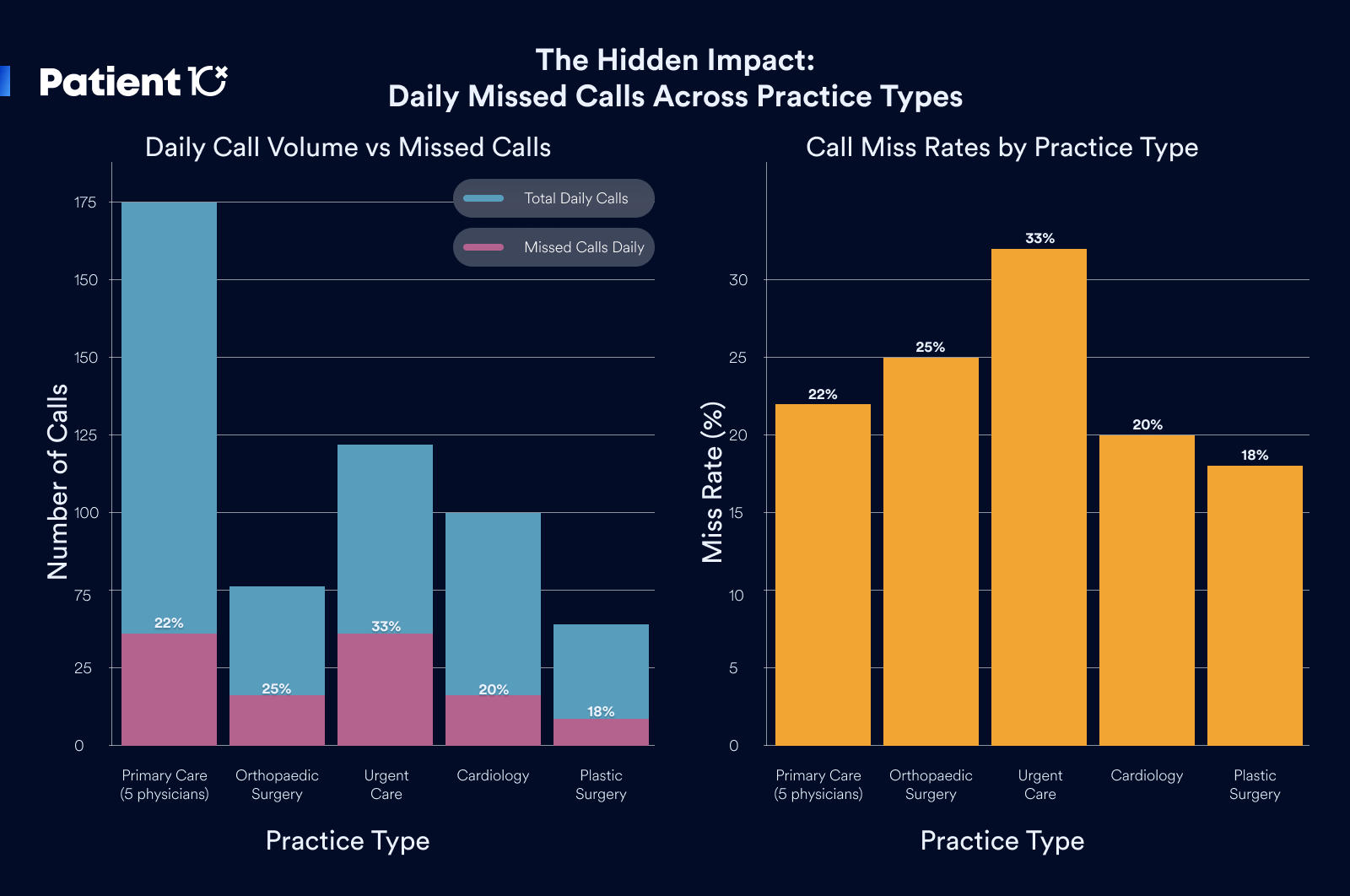
You paid to get that patient to dial your number. They reached your voicemail and became someone else's patient.
And the appointments that do get booked still leak. The national no-show rate sits around 18%, and an empty slot is the one kind of revenue you can never get back, because you cannot resell 2 p.m. once 2 p.m. is gone.
The reason patients give is not that they stopped caring. For 61% of them, rescheduling was just too much hassle, so they ghosted instead of calling.
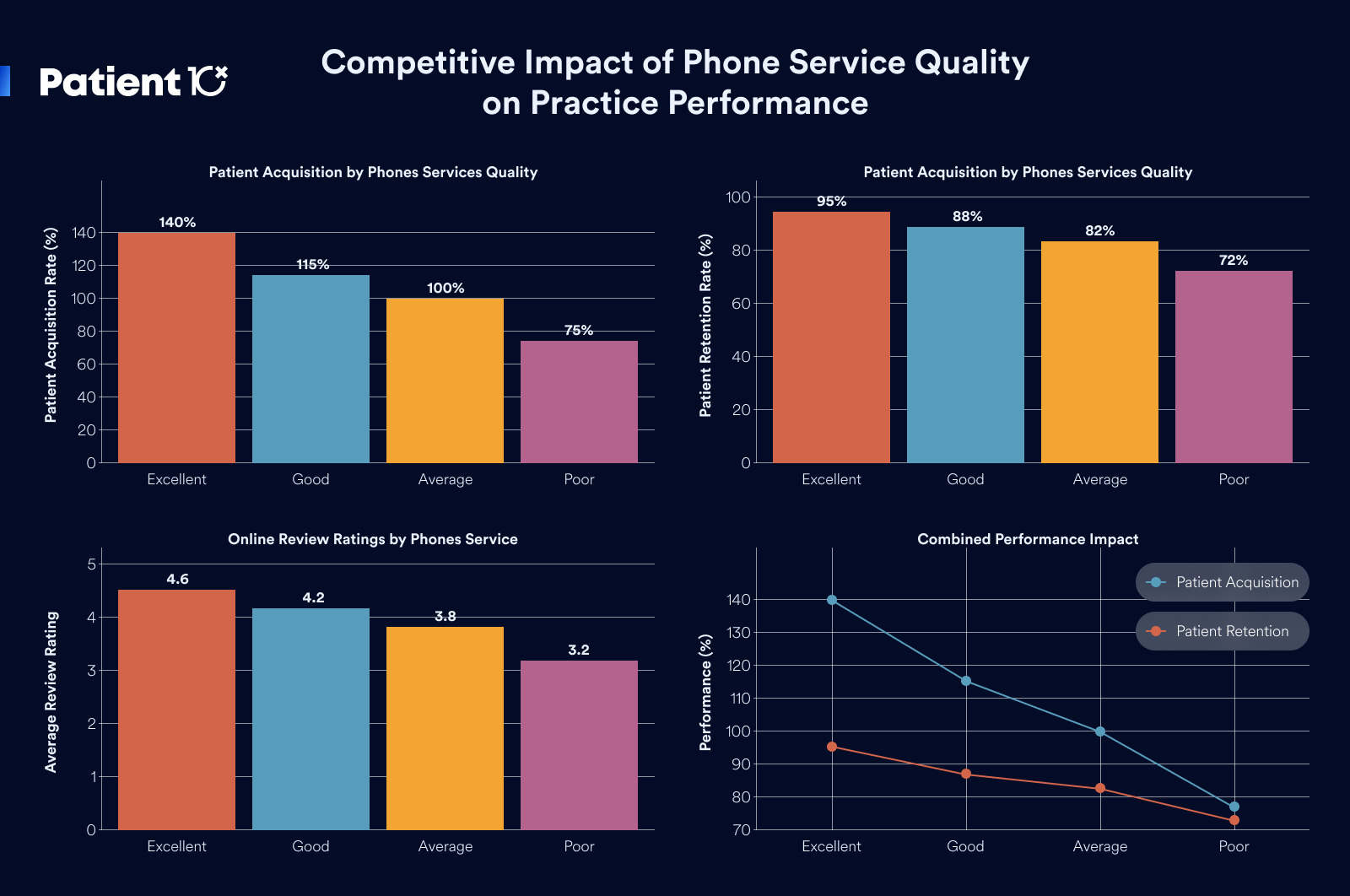
That is a follow-up problem, and follow-up is exactly the kind of patient, steady work that falls apart when everyone is busy.
11 Ways a Virtual Assistant Streamlines Medical Office Workflow
Most medical offices do not lose time to poor performance. They lose it because the administrative work of running a practice has outgrown the staff available to do it. Calls go unanswered during check-in. Intake is completed at the counter instead of in advance. Documentation is pushed to after hours.
Each of these is a workflow gap, and collectively they reduce the number of patients a practice can see and the revenue it collects.
A medical virtual assistant addresses this by taking the repeatable, non-clinical workload off your team and performing it inside your existing systems.
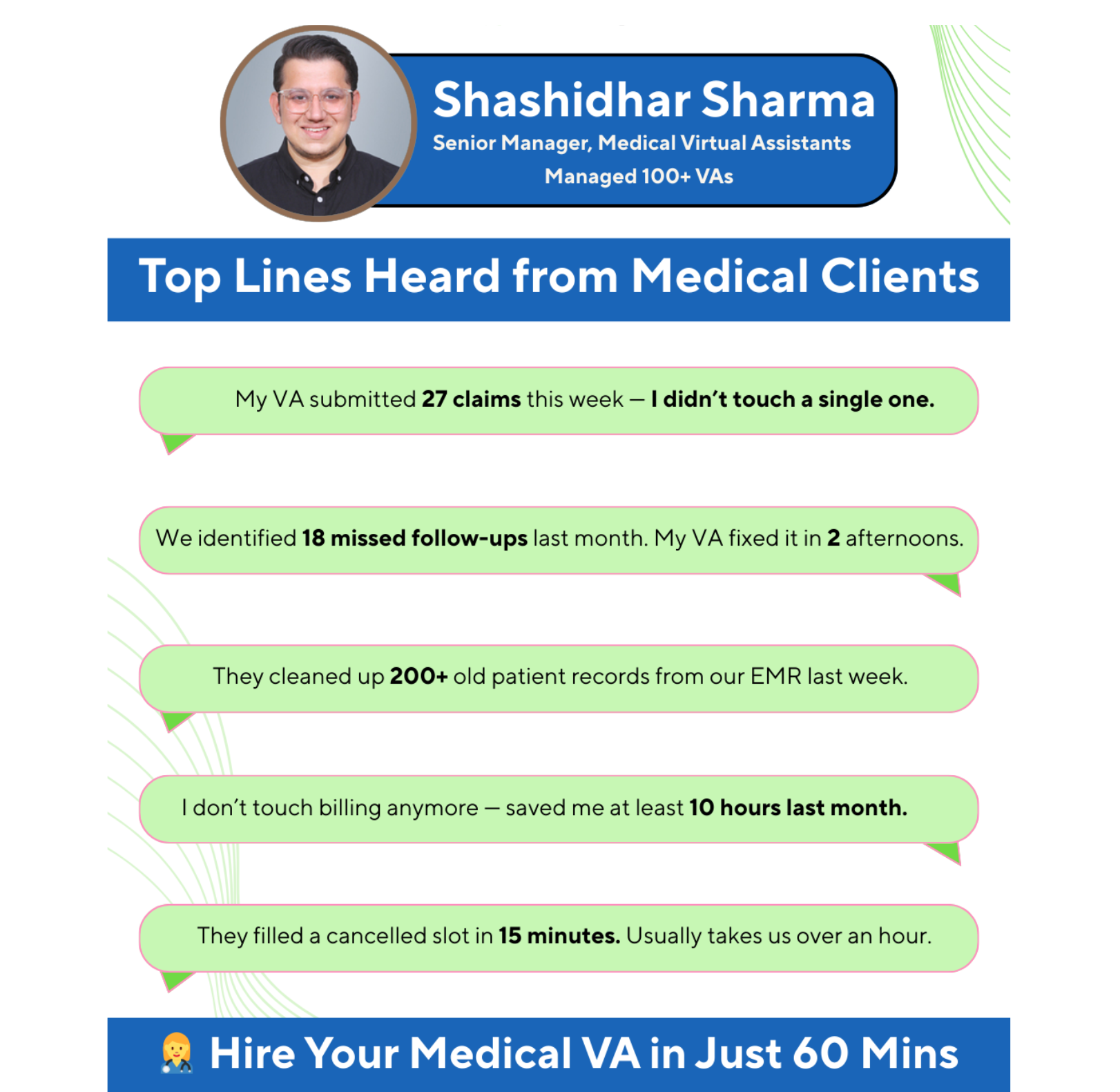
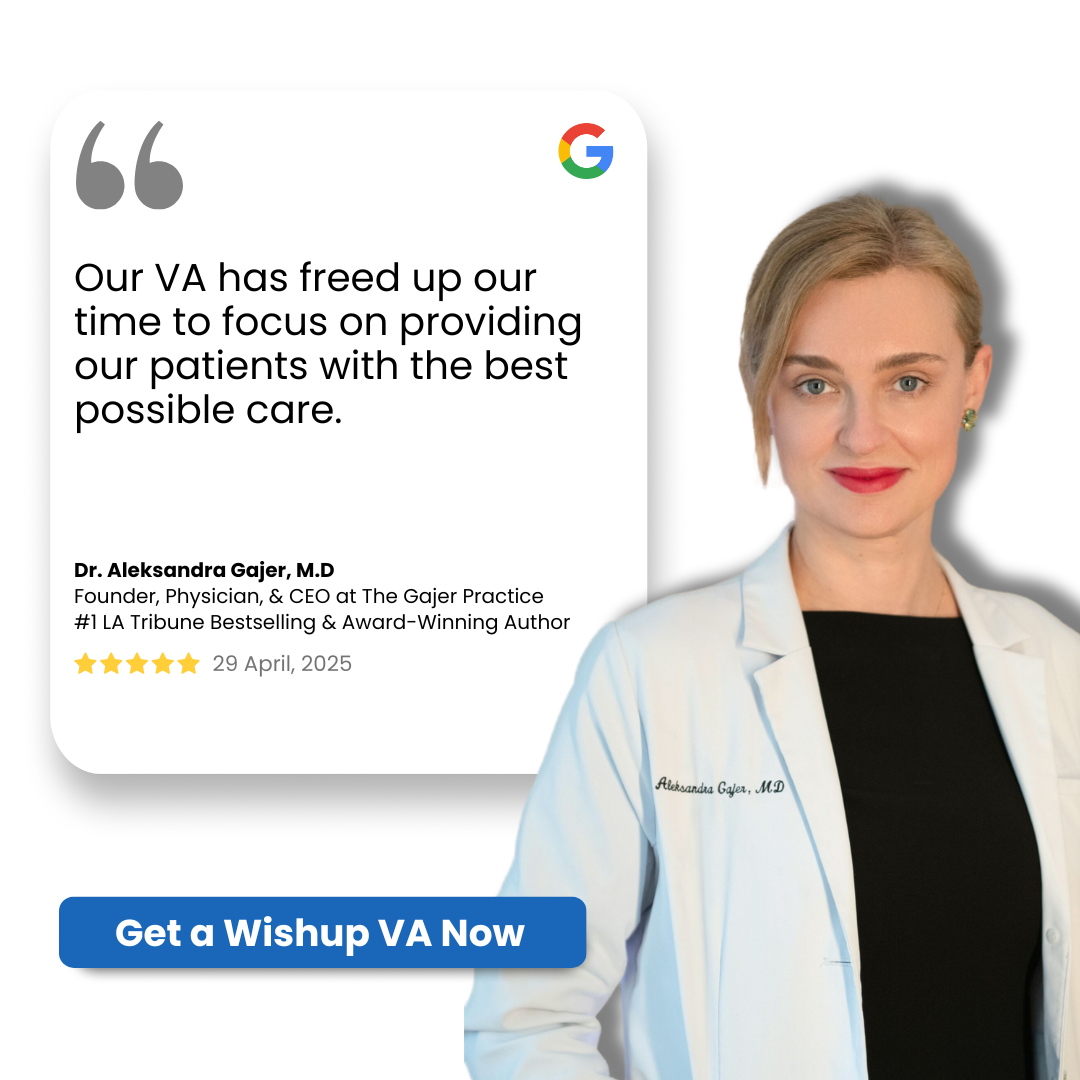
The clearest way to see where a VA adds value is the patient journey: a patient finds the practice, books, is prepared for the visit, sees the provider, is billed, and returns. The provider owns one step in that sequence, the care itself.
Nearly everything around it is delegable, and that surrounding work is where workflow either holds together or breaks down.
The 11 functions below map a VA's contribution to each stage of that journey, with the specific operational improvement each one delivers.
1. Inbound Call Capture and Patient Access
The front desk cannot answer the phone and check in a patient at the same time, so calls go unanswered. That is a direct revenue problem, because inbound calls are largely new-patient inquiries, and a patient who reaches voicemail does not wait. They call the next practice on their list.
A patient-coordinator virtual assistant owns inbound calls as a dedicated responsibility rather than a task the desk fits in between patients. The medical office workflow improvement is structural: the on-site staff handle the waiting room, the VA handles the phone line, and the two stop competing for the same person's attention.
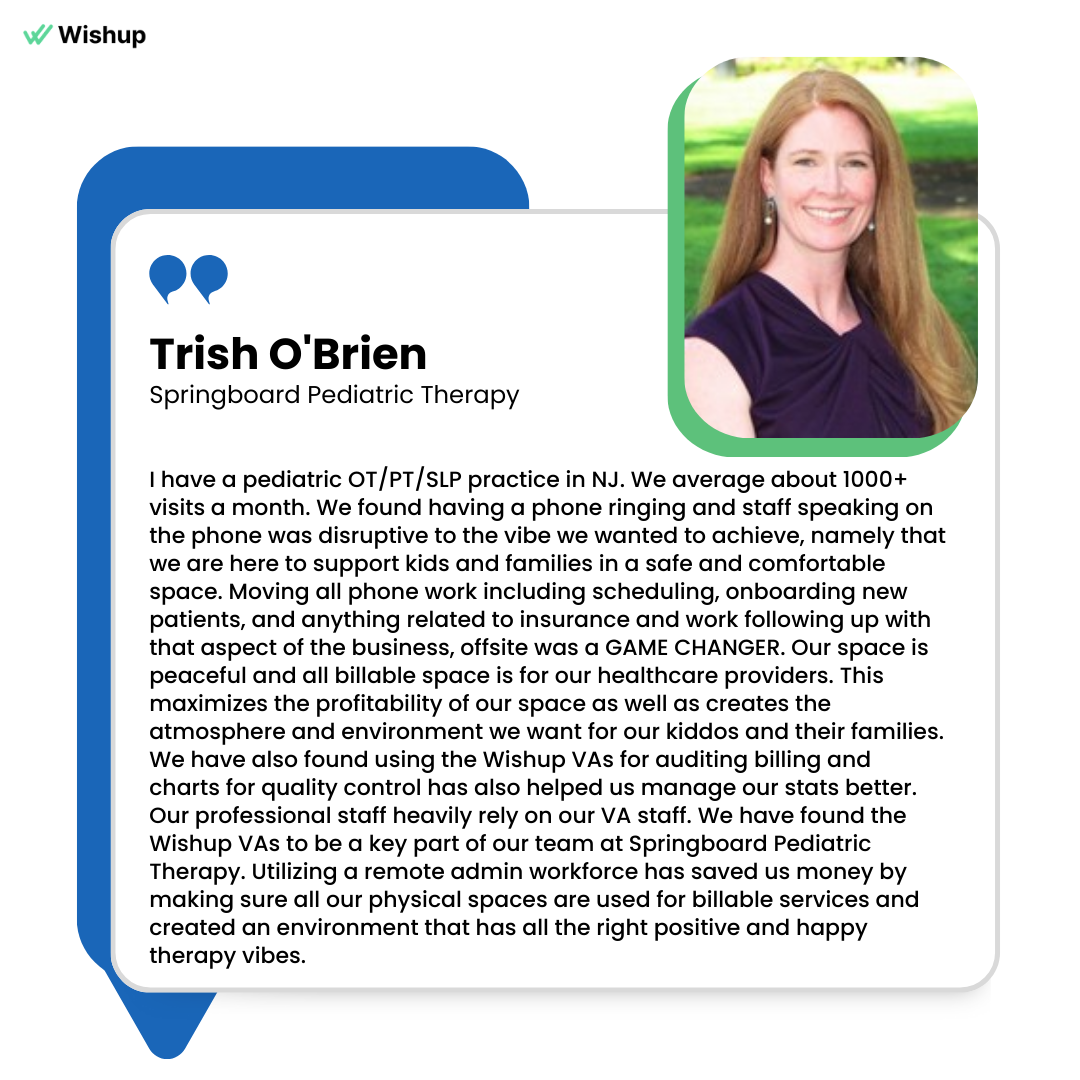
More calls are answered, new-patient inquiries are captured instead of lost to a competitor, and the practice stops wasting its marketing spend on calls that ring through to nobody. This is the highest-demand healthcare VA role we see, precisely because it is the one a front desk cannot reliably cover on its own.
2. Appointment Scheduling and Calendar Utilization
Booking is only half of scheduling.
The other half is the ongoing churn of confirmations, reschedules, and last-minute changes that a busy desk rarely keeps up with.
When that churn goes unmanaged, the calendar develops two costly problems at once: gaps where cancellations were never backfilled, and overlaps where double-bookings were never caught.
A medical office workflow virtual assistant manages the schedule as a live system inside your EHR or practice management tool, confirming upcoming visits, rescheduling as patients require, and resolving conflicts before they reach the waiting room.
The workflow shifts from reactive to managed. The provider works a day that is both full and correctly sequenced, which raises the number of patients seen per day without adding clinic hours, the most direct measure of provider utilization.
3. No-Show Reduction and Slot Recovery
An unfilled appointment slot is unrecoverable revenue, because a vacant 2 p.m. cannot be sold once the hour has passed. The two proven countermeasures, consistent reminders and an actively worked waitlist, both depend on steady follow-up that lapses whenever the desk is busy.
A medical office workflow trained virtual assistant runs reminder sequences on a reliable cadence across call, text, and email, and backfills any cancellation by pulling the next patient from the waitlist. The improvement is that none of it depends on a staff member having a free moment to remember.
Reminders go out regardless of how busy the morning was, and a 10 a.m. cancellation is rebooked rather than lost. Reducing the no-show rate and recovering canceled slots is one of the most measurable ways a VA converts administrative effort into protected revenue.
4. Pre-Visit Patient Intake and Form Collection
When intake happens at the front desk on arrival, each patient creates a processing delay: forms to complete, insurance cards to copy, and histories to enter, all while the next patient waits and the phone continues to ring. The visit has not begun and the office is already behind schedule.
An intake-coordinator virtual assistant completes that work ahead of the appointment. They send and collect the intake packet, capture insurance and demographic details, and populate the chart before the patient arrives.
The workflow improvement is that arrival becomes a brief confirmation step rather than a data-entry step. Patients are roomed faster, throughput improves, and the provider opens a chart that is already complete.
This role depends on accuracy and a professional, reassuring manner, because it is often the patient's first direct interaction with the practice.
5. Insurance Eligibility and Benefits Verification
Discovering an eligibility problem at the counter, or after the visit, is how practices accumulate surprised patients and unpaid claims. The coverage information was available in advance; no one had the hours to check it.
A medical virtual assistant verifies eligibility and benefits before each appointment as a standard pre-visit step. The workflow change is that coverage issues are identified while there is still time to act, whether that means informing the patient of a copay, flagging a plan the practice does not accept, or catching a lapsed policy.
The front desk stops absorbing billing surprises in real time, and the revenue cycle begins with a clean claim rather than a denial.
6. Prior Authorization Processing and Denial Rework
Prior authorization is one of the heaviest recurring administrative loads in any practice, and it routinely consumes entire staff days. Handled by whoever has spare capacity, requests go out late, denials go unworked, and patients wait on care that is approvable but administratively stalled.
A clinical back-office virtual assistant processes prior authorizations as a daily routine rather than an intermittent scramble. They prepare and submit requests promptly, track each to a decision, and rework denials rather than leaving them in the queue.
The workflow improvement is throughput: authorizations keep moving even on the busiest clinic days, time-to-care for patients shortens, and the staff hours previously lost to payer portals are returned to other work.
This is a distinct PHI-handling profile, separate from intake, and on its own it is a recurring, delegable function.
7. Clinical Documentation and Chart Management
Clinical documentation is a primary source of provider overtime. When the clinic day is full, notes accumulate and the work shifts into after-hours time. That after-hours documentation burden is a well-documented driver of physician burnout, which carries a direct cost in turnover and lost productivity.
A scribe or documentation virtual assistant handles data entry, organizes incoming records, and keeps the chart current.
The workflow improvement is timing: notes are closed during the workday because the record is maintained alongside the provider rather than after the last patient leaves.
The provider enters each visit prepared and finishes the day with charting complete. For the practice, reducing after-hours documentation is a measurable lever on both provider productivity and retention.
8. EHR In-Basket Triage and Message Management
The EHR in-basket collects messages, results, refill requests, and forms in a single high-volume queue. The risk is not only the volume but the priority problem: a genuinely urgent message can sit unaddressed behind dozens of routine ones.
A virtual assistant triages the in-basket as a daily discipline, separating routine items from those requiring a clinician, handling the administrative replies directly, and escalating the items that need a provider's review.
The workflow improvement is that provider attention is reserved for what clinically requires it, and time-sensitive items are surfaced rather than buried.
The in-basket becomes a managed queue with predictable turnaround instead of an unfiltered backlog.
9. Revenue Cycle and Claims Follow-Up Support
Billing is the function practices most often retain in-house or assign to a specialist billing agency, so a virtual assistants role here is typically support rather than ownership. The supporting work is nonetheless real and time-sensitive: claims must go out clean, payments must be reconciled, and denials must be followed up before timely-filing deadlines pass.
A medical office workflow specialist virtual assistant keeps that cycle moving by preparing clean claims, reconciling payments, and following up on denials and outstanding AR.
The workflow improvement is consistency.
Revenue collection stops depending on available staff capacity, follow-up happens on a schedule rather than in occasional bursts, and revenue that would otherwise be lost to unworked denials is recovered. In practice this is rarely a standalone engagement; it folds into the intake or back-office scope a medical virtual assistant already covers.
10. Patient Follow-Up and Retention Management
The patient relationship does not end at checkout, and retaining an existing patient is consistently more cost-effective than acquiring a new one. Yet the work that drives retention, post-visit check-ins, recall reminders, and re-engaging lapsed patients, is among the first to be dropped when the day is full.
A patient-experience VA owns that follow-up with a consistent, professional manner: checking in after a visit, responding to patient messages, requesting reviews, and returning lapsed patients to the schedule.
The medical office workflow improvement is that retention becomes a managed, repeatable process rather than an occasional effort. Patients remain engaged, satisfaction and review volume improve, and the practice fills part of its calendar from its existing base rather than paying to acquire every visit.
11. Workflow Automation and HIPAA-Compliant Task Routing
Much of an office's work is a chain of handoffs:
- Request arrives
- Record is created
- Team member is notified
- Task is logged
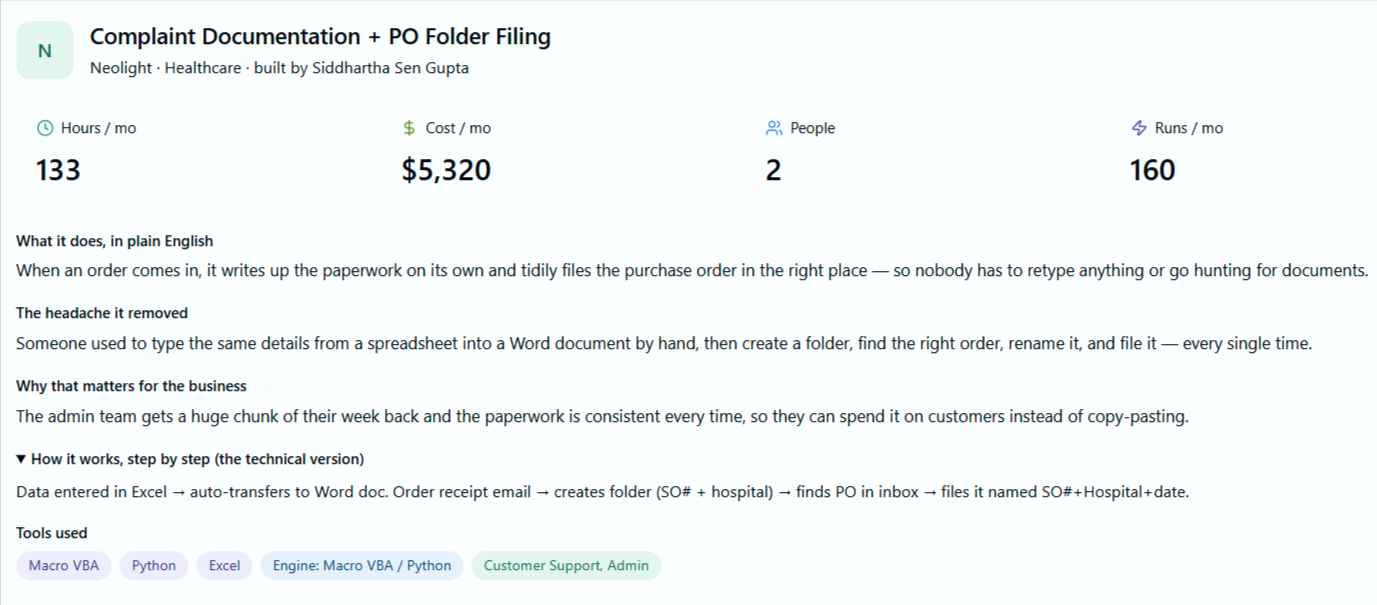
Performed manually, every link is a point where something can be missed. A capable healthcare virtual assistant trained in medical office workflow runs the manual coordination and configures automations so the routine handoffs execute on their own.
The critical workflow rule here is the compliance boundary a qualified VA does not cross.
Tools like Zapier are not HIPAA compliant and will not sign a Business Associate Agreement, so they may only handle work that carries no protected health information: alerting the team that a booking request has arrived, routing a non-clinical question to the correct inbox, or moving a newsletter signup into a sequence.
Anything involving an identifiable patient runs inside your EHR or on a HIPAA-compliant platform that signs a BAA.
The medical office workflow improvement is leverage with a guardrail: repetitive non-PHI handoffs are automated, sensitive steps stay within compliant systems, and judgment-dependent decisions remain with a trained person.
A VA who understands that boundary is the one qualified to build these systems for a medical practice.
Where to prioritize a healthcare virtual assistant
Reviewed together, the 11 functions point to a clear priority. The heaviest and hardest-to-staff demand sits at the front of the patient journey, patient access and intake, because that is where workflow breaks most visibly and where a capable, patient-facing professional has the greatest effect on both revenue and experience.
The net effect of a medical virtual assistant is the recovery of staff and provider time spent on everything surrounding care.
Delivered with healthcare-specific training and strict HIPAA discipline, that time recovery translates into more patients seen, fewer revenue leaks, and lower administrative strain on clinical staff, which is the practical definition of a streamlined medical office.
How access actually works
They never see your passwords
Passwords are stored in a manager that auto-fills on login. The assistant can use the system without ever seeing the password itself.
Access runs through your systems
Your IT sets up the login. Everything your assistant does shows up in your own audit logs. You can revoke access any time.
Only what they need, nothing more
Assistants get access only to the specific tools and records needed for their work. The moment the engagement ends, access is gone.
Their activity is tracked
Hours, tools used, tasks done, all visible to you through a tool called Time Doctor. You see a daily summary every evening.
Building the medical office workflows, not just working them
Here is where a good medical virtual assistant separates from someone who just answers phones. They do not only run the daily tasks. They build the system so the tasks start running themselves, and they know exactly which parts can be automated and which parts absolutely cannot.
Most office work is a chain. A new patient fills out a form, that should create a record, that should notify the right person, that should put a confirmation on the calendar, that should kick off a reminder. Done by hand, every link is a chance to drop the ball.
A Wishup virtual assistant can wire those links together with automation tools like Zapier, which connects thousands of apps so a trigger in one becomes an action in another, no developer required.
The boring handoffs stop depending on someone remembering to do them.
But this is healthcare, so there is a line you cannot cross, and it is the single most important thing in this whole article. Zapier is not HIPAA compliant and will not sign a Business Associate Agreement.
That means the second a patient's name, date of birth, phone number, diagnosis, or intake detail flows through it, you are out of compliance, even if the data is only passing through for a moment.
A VA who does not know this is a liability. A VA who does know it is exactly who you want building your systems.
So the workflows split into two buckets, and the skill is keeping them separate.
The safe-to-automate side is everything that carries no protected health information:
- A booking request comes in, and the team gets a Slack or email alert to act on it, with no patient details in the message itself.
- A non-clinical question about billing or directions gets routed to the right inbox and logged as a task with a deadline.
- A new newsletter signup gets tagged, segmented, and dropped into a nurture sequence.
- A weekly count of appointments booked or slots filled syncs to a spreadsheet, as numbers only, with nobody identifiable in it.
The must-stay-protected side is anything that touches a real patient: intake forms, reminders that name the person or the visit, lab follow-ups, anything tied to a chart. That work belongs inside your EHR's own automation or on a HIPAA-compliant platform that will sign a BAA, like Keragon, Workato, or Tray.ai.
A capable VA sets up the de-identified, no-PHI automations in a tool like Zapier, runs the PHI-bearing steps inside your compliant systems, and personally handles the judgment calls that should never be automated at all. You get the speed of automation on the safe work and a real person owning everything sensitive.
That is the difference between an assistant who lightens this week's load and one who quietly rebuilds how the office runs.
The part you cannot get wrong: the data
None of this matters if patient information ends up somewhere it should not. So this is the first question to settle, not the last.
The model that works keeps everything inside your house. The virtual assistant works with your EHR and your tools, which means nothing lives on some outside server.
You provision the access, you keep it to least privilege, every action shows up in your own audit logs, and you can cut it off in an instant if you ever need to.
The paperwork side is just as non-negotiable. The assistant should be HIPAA-certified before they start, with a Business Associate Agreement signed before they touch a single patient record, backed by a real NDA and a written plan for what happens if something ever goes wrong. If a provider cannot tell you how they handle that, that is your answer.
Frequently asked questions
Can a virtual assistant work inside our existing EHR?
Yes, and they should. A trained medical virtual assistant works directly in your current EHR and practice management tools. You do not switch systems, and the data never leaves your environment.
Is it actually HIPAA compliant to use a remote assistant?
It is, when it is set up properly: HIPAA certification, a signed Business Associate Agreement before any access, and least-privilege access logged in your own systems. The compliance is in the setup, so vet the setup.
What will a medical virtual assistant not touch?
Anything clinical. Diagnosis, treatment decisions, and medical advice stay entirely with your licensed providers. The assistant handles the administrative and coordination work around that.
How fast does a practice feel the difference?
Usually within the first few weeks, and it tends to show up first in the obvious places: the phone gets answered, the schedule fills in, and prior authorization starts clearing faster.
Can a virtual assistant set up automated workflows for my office?
Yes. A capable medical VA can connect your apps with automation tools like Zapier so routine handoffs run on their own, such as alerting the team when a booking request arrives or moving a newsletter signup into a sequence. The key is that those automations stay limited to non-clinical, no-PHI steps.
Is it safe to use Zapier in a medical office?
Only for workflows that never touch patient information. Zapier is not HIPAA compliant and does not sign a Business Associate Agreement, so anything involving patient names, contact details, or clinical data must run inside your EHR or on a HIPAA-compliant platform that signs a BAA. A trained VA knows where that line sits and works on the right side of it.
