
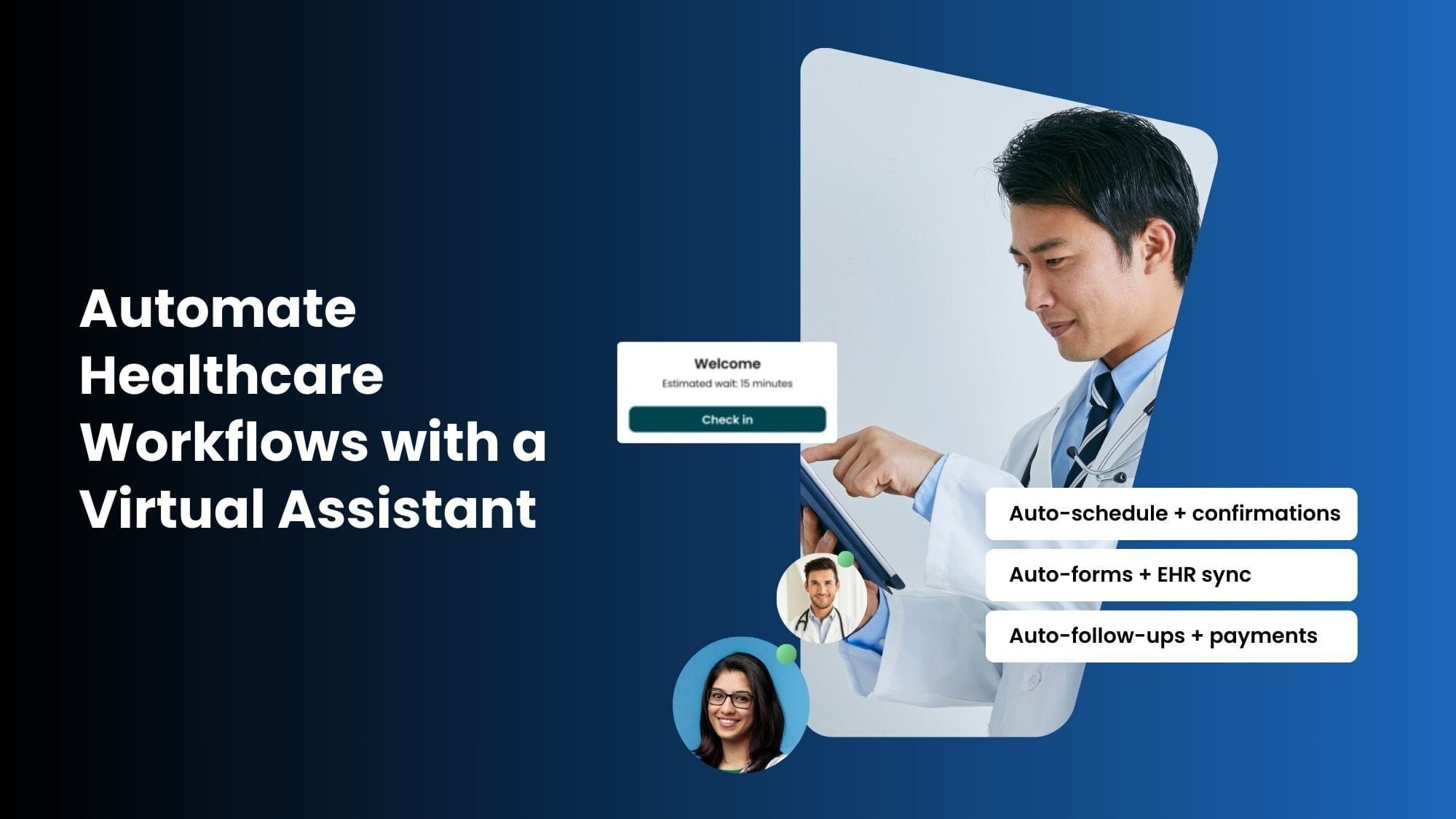
Healthcare workflows are complex and time-consuming. In the US, providers spend far more time on paperwork and admin than on care. For example, an AMA study found that physicians work 57.8 hours per week on average, but only 27.2 of those are direct patient care and about 7.3 hours are purely administrative tasks (prior authorizations, billing paperwork, etc.).
Similarly, a Google Cloud/Harris Poll report found clinicians spend about 28 hours/week on admin tasks, while medical staff spend 34 hours/week on paperwork.
These burdens fuel burnout: 82% of clinicians report burnout symptoms.
At the same time, patients increasingly demand digital convenience.
Hospitals and clinics are already using CRMs and EHRs to address common care gaps, such as reminding patients about annual mammograms or follow-ups. In fact, nearly 1 in 5 Americans say they forget to schedule as their primary reason for missing appointments, highlighting the importance of timely reminders.
According to a 2025 Healthgrades study, 80% of patients use online scheduling at least part of the time, and 55% would switch doctors if online booking weren’t available. No-shows alone cost US practices roughly $150 billion annually.
Clearly, automating routine workflows (scheduling, reminders, billing, etc.) can save huge time and money.
In fact, healthcare automation market forecasts expect global spending to surge from about $46.85 billion in 2025 to $119.2 billion by 2035 as providers adopt AI and digital tools to improve efficiency.
Automating non-clinical workflows is no longer optional; it’s essential for efficiency and quality care. By automating scheduling, billing, records management, and other back-office tasks, practices eliminate repetitive work, reduce errors, and free up staff to focus on patient care.
An experienced automation specialist Virtual Assistant (VA) can make this transition seamless.
A trained remote professional working alongside your practice can leverage software tools and AI to automate many day-to-day processes. Unlike an impersonal chatbot, a VA is a human backed by automation expertise.
For example, Wishup’s healthcare VAs are AI-trained human assistants who identify repetitive tasks and build secure automations. They don’t just execute requests; they actively identify opportunities for automation in your workflows.
Stringently Vetted Healthcare Automation Expert VAs
Top professionals to streamline healthcare workflows, scheduling, patient support, automation & more.



Improve quality, productivity, efficiency, timeliness, effectiveness, and operational safety.
In other words, a Wishup automation expert VA will set up a Zapier workflow or custom script to handle tasks you’d normally do by hand. This approach combines human judgment with software power, giving providers more time for patient care.
What is a Healthcare Automation Virtual Assistant and What It Isn't
A healthcare automation virtual assistant is a trained human professional who builds, manages, and optimizes workflow automations for medical practices, telehealth providers, home care agencies, and healthcare administrative teams, without joining your payroll.
This distinction matters because the term "virtual assistant" is used in two entirely different ways in healthcare.
Wishup healthcare automation VAs are human beings, college graduates with 3+ years of professional experience, trained in 120+ automation tools, and matched to your practice within 60 minutes. They are not chatbots, AI copilots, or software dashboards.
Key Healthcare Tasks to Automate
A variety of non-clinical tasks in healthcare can be automated with the help of a skilled VA. Below are examples of routine workflows that often benefit most. Here’s how it works in practice.
Let’s consider some common healthcare workflows and tools:
Appointment scheduling & reminders
Many clinics use online calendars or booking portals (e.g., Google Calendar, Zocdoc, Calendly). A VA can integrate these with phone/SMS reminders.
For instance, a Wishup Workflow Automation Expert VA can create a Zapier or n8n workflow that automatically sends a confirmation text when a patient books, and a reminder 24 hours before. This reduces no-shows.
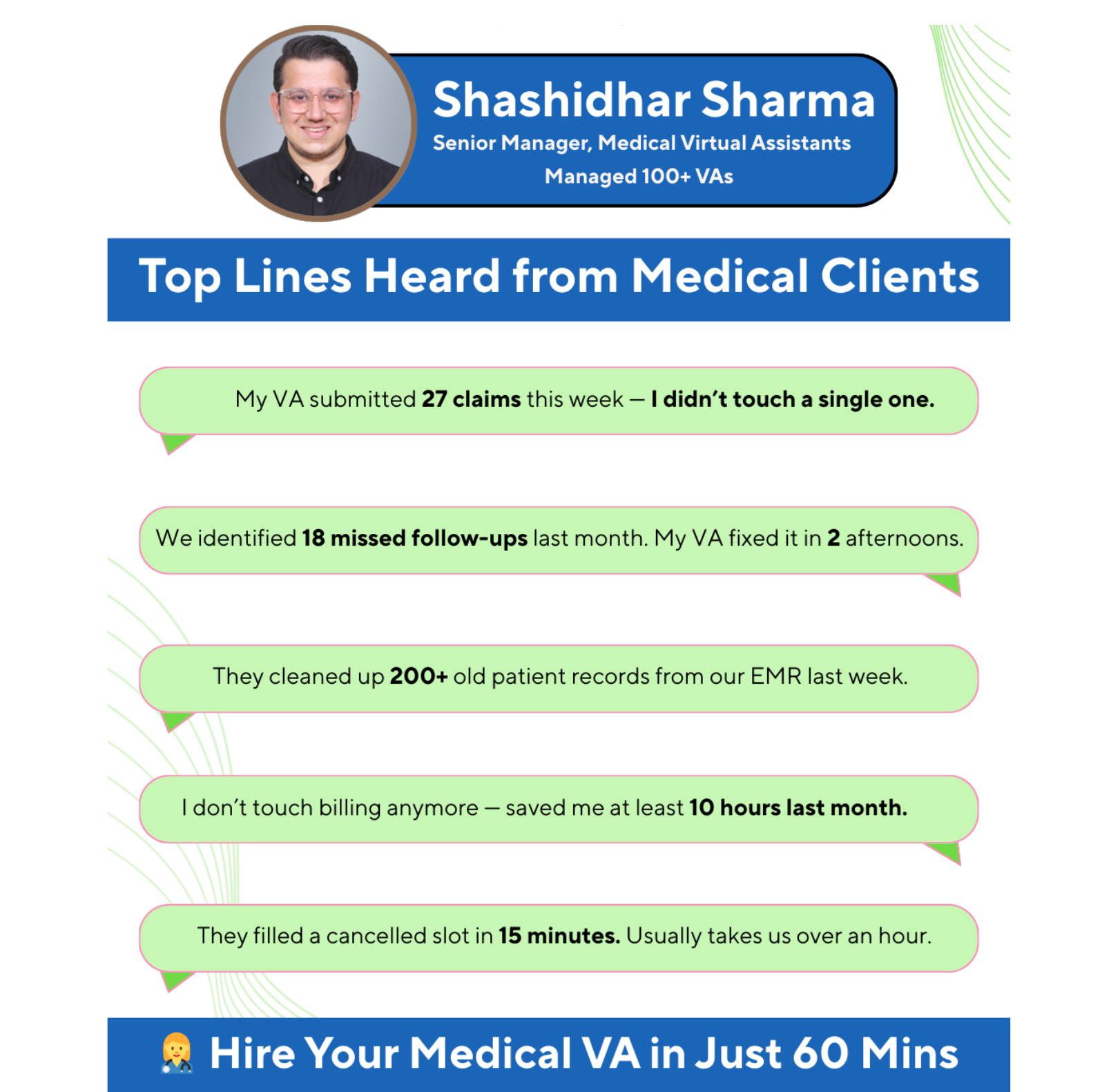
Our clients have recovered thousands of missed appointments with reminders. The automated notifications helped the clinic recover 3,000+ no-shows and saved doctors over 20 hours per week on admin work.
Patient intake & forms
Digitizing intake saves front-desk time. Tools like Google Forms, Jotform or patient portals can feed data into your EHR. An automation specialist VA can set up data flows so incoming patient info automatically populates charts. This process can also integrate with a white label telemedicine platform, allowing patients to complete forms and schedule virtual visits seamlessly.
For example, our VAs are trained on 120+ tools and often know popular EMRs (Athenahealth, Kareo, NextGen, DPC EMR) and form systems.
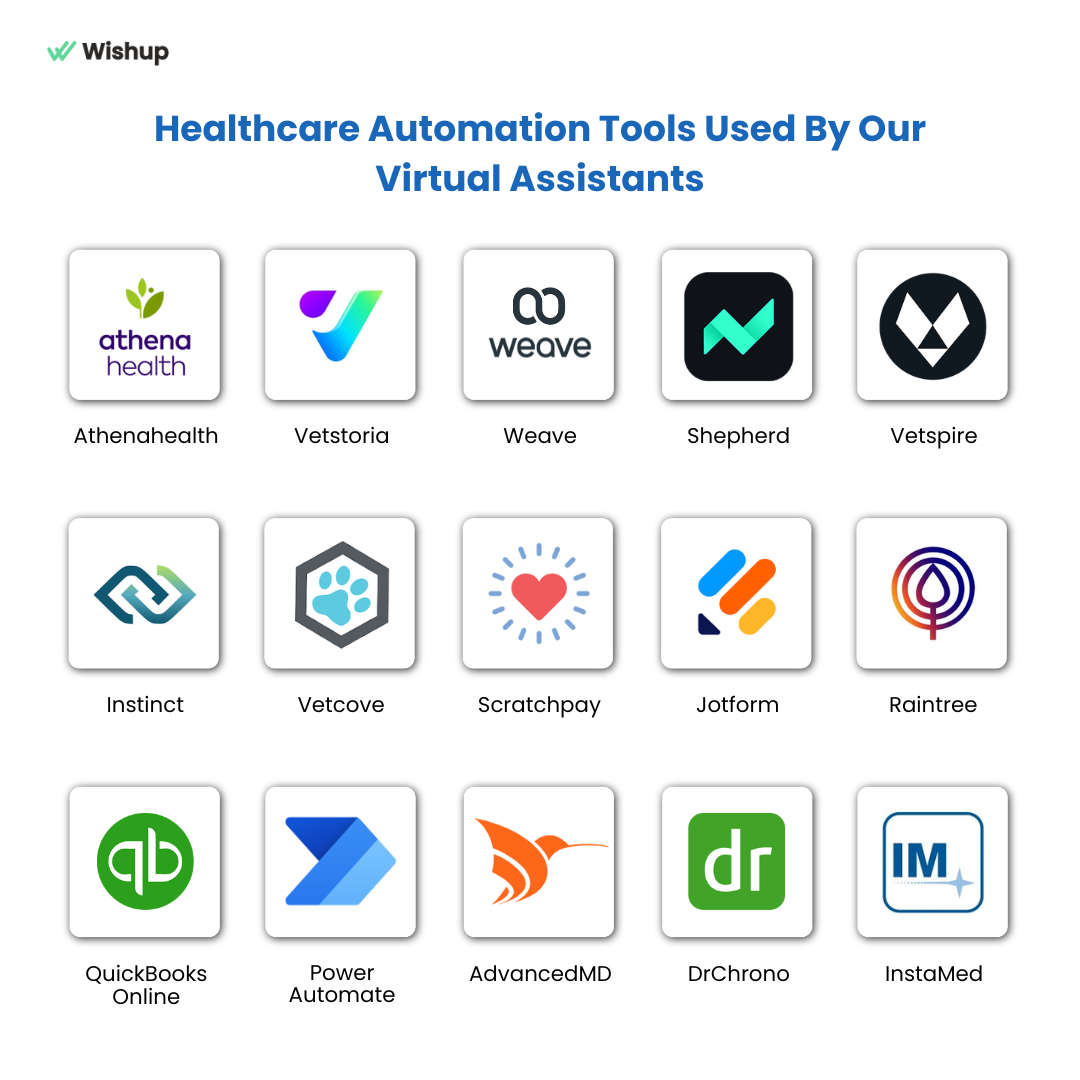
They’ll ensure pre-visit forms are completed and filed in the record system before appointments, sending alerts for any missing paperwork.
Billing & insurance tasks
Claim follow-up and coding are ripe for automation.
A VA can run eligibility checks, flag claim denials, and prep appeal letters on a set schedule. Revenue cycle automations (eligibility checks, claim follow-ups) plus a VA can create discipline in billing.
Our healthcare clients have achieved 40% faster billing cycles by streamlining these processes. The VA used tools (e.g. CRM systems or even spreadsheets) to track claims and send reminders.
For example, a CRM Automation Expert VA could push patient data from an intake form into a billing CRM, reducing manual entry.
Patient communication (calls, emails, chat)
Consistent communication is crucial. A VA can automate follow-up emails, handle online chat inquiries, and manage voicemail using AI voice bots for patient calls and appointment confirmations.
For instance, an Email Automation Expert VA can set up an automated email sequence for new patients or prescription refill reminders. They can also implement email filters and macros (Zendesk, Salesforce) to auto-route messages.
We train our healthcare automation VAs in professional phone etiquette and scripting. Assistants learn to answer patient calls with friendliness and clarity. (Our VAs are empathetic, soft-spoken, and tailored for clinics.)
If you have a specific script or tone, the VA follows that guidance, ensuring consistency.
Inventory & Supply Management
Even the supply chain can be automated. A workflow automation expert VA can build workflows that track inventory levels, flag expiring items, and trigger purchase orders when stocks run lowwishup.co.
For example, integrate your inventory system with vendors so that when a critical supply hits a threshold, an order is raised automatically. The VA ensures records reconcile deliveries and invoices, cutting waste and stockouts.
Medical Records & Document Management
Keeping records up to date is vital. Use a healthcare automation expert VA to integrate EHRs with document repositories.
For instance, new lab results or referral letters can be automatically routed into the correct patient charts. A VA can deploy document management systems that label, organize, and archive records by category.
They can also leverage OCR and NLP (natural language processing) to pull key data from forms or faxes into your EHR fields. This means less time hunting for files and more reliable information in patient charts.
Reporting & analytics
Practices need up-to-date stats on scheduling, billing, and operations. A VA can compile daily or weekly reports from your systems.
For example, our VAs produce end-of-day reports and track KPIs. A VA can also extract daily revenue and appointment data into a dashboard or spreadsheet. You could ask for automated alerts on key metrics (e.g., send me today’s billable hours), which the VA configures.
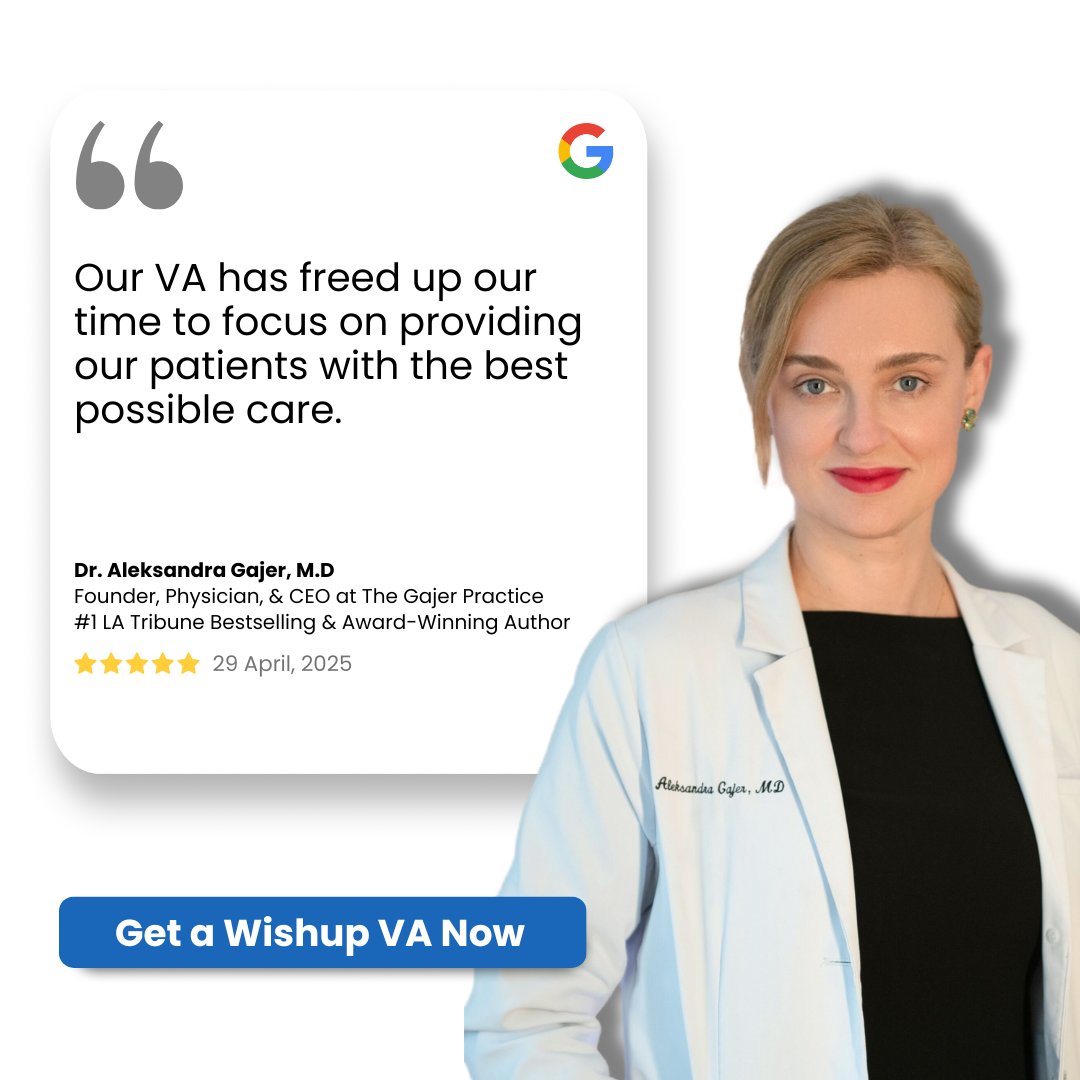
In short, your VA acts like an in-house operations analyst gathering data and keeping you informed, so you see where the bottlenecks are.
Each of the above can be implemented by combining technology and human oversight. For instance, to automate scheduling and reminders, a common approach is:
- Patient books or registers, triggering an event
- A workflow app (like Zapier) sends a confirmation email or SMS
- A calendar event is created
- A VA reviews exceptions (unusual requests or errors).
The automation expert VA becomes the coordinator of the process, handling any steps that require human judgment while the system handles volume.
For example, a VA trained on 120+ tools might use Zapier to connect your EMR to Google Sheets and Gmail, or use n8n (an open-source integrator) to sync databases.
If you’re building complex workflows, a Zapier Automation Expert VA or n8n Automation Expert VA can design those integrations with minimal coding.
Suppose an orthopedic practice uses Athenahealth for records, Acuity for scheduling, and Square for payments. A Wishup VA can create a Zap that, when a new appointment is booked in Acuity, automatically adds the patient to Athena, sends a pre-visit checklist email, and flags insurance eligibility in the billing system.
The VA also scripts outgoing calls. This is [Name] from Dr. Lee’s office, confirming your orthopedic appointment next Tuesday, ensuring every interaction is professional and on-brand.
Case Studies of Wishup Healthcare Virtual Assistants
Why Automate Healthcare Workflows?
Healthcare runs on details. Yet many steps (scheduling, registration, paperwork, billing, etc.) are still done manually.
This creates bottlenecks and errors:
- Clinicians spend hours on charts after hours
- Patients miss appointments
- Critical insurance checks get delayed
Automating these processes delivers big payoffs.
It frees staff time (so clinicians can care for more patients), reduces mistakes (software handles data entry accurately), and improves patient satisfaction (faster responses and fewer wait times).
For example, automated appointment reminders and confirmations virtually eliminate no-shows by keeping visits top-of-mind for patients.
Automation also strengthens compliance and oversight. The right tools can automatically log communications, encrypt data, and track deadlines (such as HIPAA forms), so you’re audit-ready.
What are the Benefits of onboarding a Healthcare Automations Expert Virtual Assistant?
Here are some core benefits of onboarding a healthcare automations expert virtual assistant:
Save Time, Increase Productivity
Software takes over routine tasks (like data entry or follow-ups), freeing staff to focus on patients.
Reduce Errors
Automated data transfers and checks prevent manual mistakes in records and billing.
Prevent No-Shows
Systems send appointment confirmations and reminders automatically, cutting cancellations and gaps.
Improve Patient Engagement
Faster follow-ups, timely messages, and clear instructions help patients stay on track with their care.
Strengthen Compliance
Automation creates audit trails and enforces HIPAA-friendly processes (like encrypted data transfers).
Boost Revenue
Clean data (accurate demographics, eligibility) plus faster claims processing mean quicker payments and fewer write-offs.
By automating workflows, your practice becomes more efficient and competitive.
When teams can focus on patient care rather than paperwork, outcomes improve:
- Shorter wait times
- Higher patient satisfaction
- Better financial performance
Tools and Technologies for Healthcare Automation
A variety of tools enable these automations. Many are low-code platforms that connect apps and data sources:
Zapier, Make.com, n8n
These integration platforms let a VA create “zaps” or workflows linking your EHR, scheduling system, email, SMS gateway, and other apps.
For example, a VA may use Zapier to push new patient info from a form directly into an EHR, or n8n to orchestrate a multi-step insurance verification process. We have a bench of specialized Zapier automation expert VAs and n8n automation expert VAs who know how to use hundreds of app connectors efficiently.
EHR/EMR Integrations
Many modern EHRs offer API or webhook access. VAs can link these to other platforms, ensuring data (like lab results or visit notes) flow automatically between systems.
Communication Platforms
Email marketing tools (Mailchimp, SendGrid), SMS gateways (Twilio), and even voice systems can all be tied in.
For instance, automated email drip campaigns can send health tips to patients with chronic conditions.
An email automation expert VA can set these up so that campaigns are triggered by patient data (e.g., send a flu shot reminder in fall to all diabetics).
CRM Systems
If you use a CRM (even for patient relationships or referral tracking), a CRM automation expert VA can automate lead and contact management.
For example, every new inquiry from a website form could create a lead in Salesforce or HubSpot, with tasks assigned to follow up. This keeps your communications timely.
Choosing the right tools depends on your needs.
You might start with scheduling reminders (easy with Zapier or SMS services) and add more integrations gradually. The first step is always to map out your workflow and decide where automation fits.
Examples of Workflow Automations Healthcare Providers can Automate
To illustrate, here are some practical scenarios of healthcare automation:
Insurance Pre-authorization
Traditionally, staff spend hours on hold or web portals checking if a surgery is approved.
A VA can automate this by building a workflow: when a provider orders a procedure, the system gathers necessary patient data and automatically submits it to the insurer’s API. The VA monitors the status and routes approvals or denials to staff. This cuts approval time from days to hours.
Patient Follow-up Calls
Instead of nurses manually calling post-discharge patients, an AI-powered VA can send tailored messages.
For example, an automated agent might text patients 48 hours after discharge: “Do you have any questions about your new medication?” It logs responses; patients requesting help are flagged for a nurse callback, while others get a link to educational resources.
Billing and Collections
A medical practice that sends paper statements and waits for checks can automate the entire billing and collections process.
A virtual assistant (VA) can send automated emails with secure payment links and payment plan options. Unpaid claims can trigger reminder workflows directly within the accounting software.
With automation in place, billing-related patient calls typically decrease, and unpaid balances can be reduced by a meaningful margin. Actions are taken in real time, improving follow-up consistency and accelerating collections.
Lab Result Notifications
Implement an automated lab-to-patient portal pipeline. When results are ready, the system will flag normal results for the portal and immediately notify the physician of any abnormalities.
A VA will configure the rules and oversee exceptions. This will reduce report turnaround by letting clinicians and patients see results without mailing or manual retrieval delays.
Staff Onboarding
Even internal HR processes can be automated.
A Wishup VA can automate onboarding checklists: when a new employee’s data is entered, the system automatically grants access to various systems, schedules orientation training, and sends reminders to submit paperwork.
This makes new hires productive on day one with minimal HR oversight.
These examples show how little changes add up.
Why Your Practice Needs a Healthcare Automation Expert Virtual Assistant (VA)
Automation platforms are powerful, but they require expertise. A VA brings the human touch needed to make automation work smoothly:
Process Expertise
A VA will learn your specific workflows (systems, policies, exceptions). They can identify which tasks are ripe for automation and which require human oversight.
For example, they know to route urgent cases to a person while automating routine cases.
Continuous Improvement
Workflows change. A VA continuously monitors processes, reviews data, and refines the automations. If an insurance API changes or a new regulation comes in, your VA updates the workflow.
Technology Implementation
Setting up tools like Zapier, OCR, or chatbots can have pitfalls (permissions, data mappings). A trained VA handles this setup, integration, and troubleshooting so your team isn’t learning new software on the fly.
Communication and Training
The VA also acts as a bridge. They can train your staff on how automated parts work and gather feedback to improve them. This ensures everyone feels confident with the new system.
Flexibility and Coverage
Unlike a rigid in-house hire, a Wishup VA can scale up or change focus as your needs evolve. They provide dedicated support without you handling payroll, benefits, or turnover.
In short, a VA is not just a doer but a workflow specialist.
Our VAs are automation experts who have built thousands of workflows across 50+ industries, including healthcare. They know the right tools (they’re trained in 120+ tech tools and 200+ skills) and best practices for HIPAA-safe operations.
Hiring such a VA means you get both the technology and the human expertise needed to fully automate healthcare processes.
How to Implement Healthcare Automation: A Roadmap
Step 1: Identify and Prioritize Workflows
List your time-consuming admin tasks (e.g., registration, billing, follow-ups). Survey your staff: what feels repetitive? Which delays care? Use these insights to choose what to automate first; often, starting with scheduling or reminders delivers quick wins.
Step 2: Choose the Right Tools
Work with your VA to select platforms. For example, use a Zapier automation expert VA if you have many cloud apps to connect, or an n8n automation expert VA if you need a highly customizable open-source solution. If you rely on email and CRM heavily, bring in a CRM automation expert VA or email automation expert VA to tie those systems together.
Step 3: Hire and Onboard Your VA
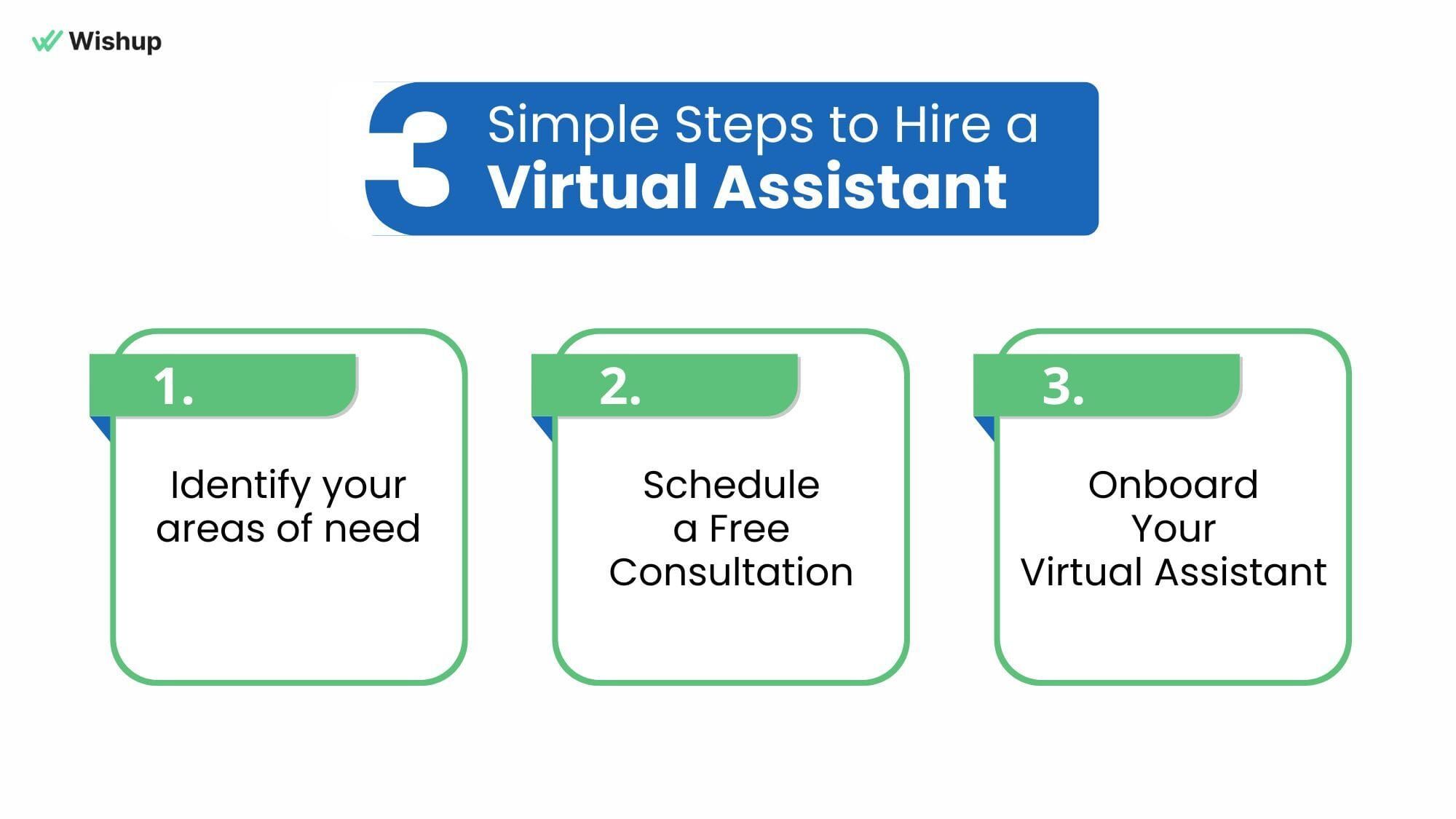
With Wishup, you can get matched with a skilled automation expert VA in just 60 minutes. Conduct unlimited same-day interviews until you find the right fit. All Wishup VAs are triple-vetted (aptitude, communication, skills) and come with healthcare and tech training. Once chosen, your VA will receive training on your workflows (We ensure smooth knowledge transfer) and access to any necessary systems.
Step 4: Build the Automation
Under your VA’s guidance, start configuring the workflows. For example, to automate patient intake, the VA might: create a secure online form; connect the form to the EHR via an integration platform; set up an email that sends pre-visit instructions; and schedule a VA review of any mismatches. If a task is complex, the VA can break it into smaller automations or combine tools.
Step 5: Test, Monitor, and Optimize
Roll out each automated workflow carefully. Initially, the VA will monitor output (checking that data is correct, that patients are getting reminders on time, etc.). They’ll adjust filters and rules as needed.
Our managed approach means your VA’s manager will also do quality reviews (weekly SOP checks, for example) to ensure everything runs right.
Step 6: Measure Success
Track metrics like staff time saved, error rates, no-show rates, and patient feedback.
We even provide a 30-day ROI report so you can quantify the gains. Continuous improvement becomes part of the routine: as your VA finds new opportunities, additional tasks can be automated.
Why Hire a Wishup VA for Healthcare Automations
When you hire a Wishup virtual assistant, you’re not just outsourcing tasks. You’re tapping into a top-tier, fully managed service.
Our VAs are highly qualified and rigorously vetted: each candidate passes a 5-step screening (communication, skills, aptitude, etc.) with only the top 0.1% accepted. Many have engineering or MBA backgrounds and at least 3+ years of experience, often with prior healthcare admin roles.
We even provide a free dedicated manager and training: every VA completes an 8-week automation-and-communication program before starting.
Key Wishup advantages include:
- Rapid onboarding: You can onboard an automation expert VA in as little as 60 minutes. This means very little downtime.
- 100% English proficiency & cultural fit: VAs are tested for communication and American phone etiquette, plus personality match.
- Extensive tool knowledge: Each VA is pre-trained on 120+ software tools(EMRs like Athena/Kareo, scheduling apps, CRMs, Zapier, etc.) and 200+ unique skills.
- Top talent: Wishup’s multi-stage hiring yields VAs in the 99th percentile of aptitude tests. In fact, only 0.1% of applicants pass.
- Dedicated support: Every VA comes with a management dashboard (free $299 tool), a dedicated VA manager, and even an accountant manager (for finance/billing oversight).
- Flexible pricing: Plans start from $1999/month (20 hrs/week) and $2999/month (40 hrs/week), far below hiring in-house. (In comparison, full-time front-desk staff cost $60+/hr including overhead)
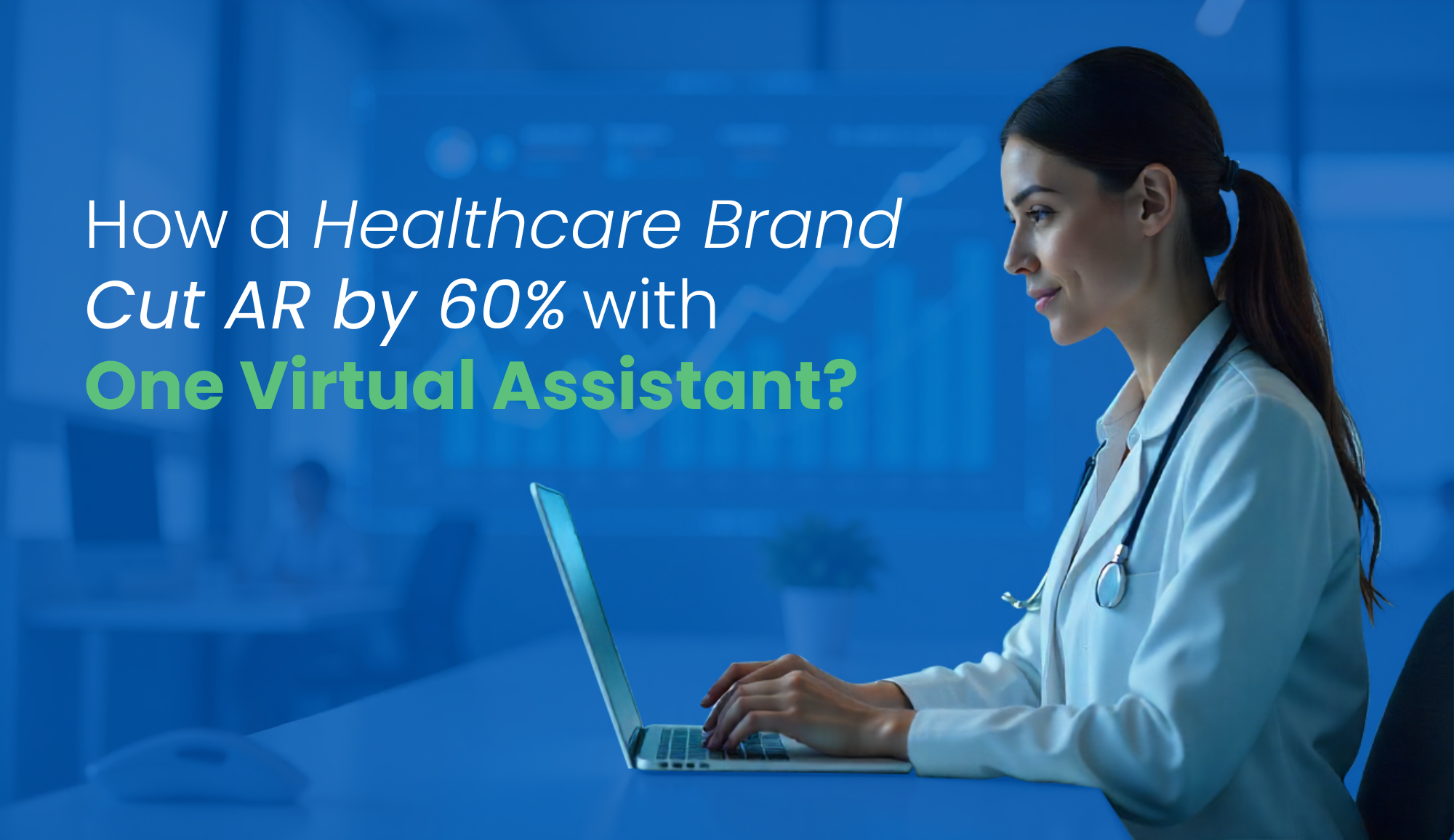
- Proven results: Wishup’s healthcare clients routinely see dramatic improvements, for e.g., cutting accounts receivable by 60% with one VA, or speeding up billing by 40%.
In short, Wishup provides an “employee-as-a-service”: dedicated support like an in-house hire but without long contracts. You get unlimited same-day interviews (no cost) and a first-match success rate of 90%, with a 100% guarantee on second-match. If you ever need a backup or replacement VA (for leave or scaling up), we deliver one in 24 hours at no extra cost.
Plus, all VAs work under strict confidentiality: we enforces NDAs, SOC2/GDPR security, and HIPAA compliance (with formal Business Associate Agreements). Practices can rest easy knowing patient data is handled securely.
FAQ: 10 Questions US Healthcare Professionals Ask About Workflow Automation VAs
Do Wishup VAs sign a BAA and follow HIPAA best practices?
Yes. Under the HIPAA Privacy Rule, any contractor handling PHI must sign a Business Associate Agreement (BAA) with the provider. Wishup ensures each healthcare VA operates with HIPAA training, NDAs, and role-based access controls. In fact, we explicitly states its healthcare VAs run on HIPAA-compliance, and SOC2/GDPR‑secured systems. Put simply, they follow industry-standard safeguards (encryption, strict user permissions, logging, etc.) to protect patient privacy.
Which tasks can a VA handle without touching PHI?
Many administrative tasks involve little or no direct PHI. For example, Wishup VAs commonly manage scheduling, reminders, billing follow-ups, call screening, and general paperwork without accessing sensitive medical details. They can update appointment calendars, verify insurance eligibility (using patient ID, not diagnosis), send generic practice newsletters, or transcribe non-sensitive notes – all while remaining HIPAA-compliant.
A VA can do things like route messages, handle portal inquiries, track referrals, manage scheduling workflows (confirmations, waitlists), and prepare billing queues.
In practice, the VA works with only the minimum data needed for each task, using secure access or de-identified information whenever possible. (Anything truly clinical – diagnosing, advising on treatment, signing orders – is strictly off-limits for the VA.)
Can a VA manage appointment scheduling, recalls and follow‑ups securely?
Absolutely. Scheduling is one of the most common tasks for VAs. A VA can link your EMR/practice management system with calendars and SMS/email platforms to automate booking and reminders.
For instance, a VA might set up an automated flow: a new appointment in the EHR triggers a confirmation text (via Twilio) and email (via Gmail or Mailchimp), and then a 48-hour reminder message. If patients cancel, the VA’s workflows can notify waiting list patients in seconds. This ensures continuity of care and fills open slots without front-desk intervention.
All of this is done through secure APIs or integration platforms (like Zapier) that keep data protected. In fact, Wishup healthcare VAs have saved “20+ hours/week per doctor” by handling such scheduling tasks.
How do VAs handle insurance verification and claims communication?
Insurance and claims are partly automatable. A VA can verify coverage by entering patient info into payer portals or clearinghouses (without the provider manually doing it).
They can also track claims status: for example, generating daily lists of pending or denied claims in the billing system and then emailing payers or following up by phone. Insurance tasks such as prepping superbills, checking eligibility, and following up on denied claims can be taken care of by a VA.
The VA might use practice management software reports to reconcile payments and then update your accounting software. All PHI access here is done under controlled access, and the VA never has more access than needed (often working through proxies or delegated credentials). Thus, claims inquiries can be automated and tracked securely.
Can a VA coordinate with EHR/Practice Management systems without direct PHI access?
Yes. Many modern EHRs and PM systems have role-based permissions and APIs.
A VA can often perform scheduling and billing tasks through a limited user account that only has access to non-sensitive sections (appointments, billing codes) or via middleware (Zapier, HL7 interfaces) that abstracts the data.
For example, a VA could push updates into patient records (e.g., appointment status) using an integration token, without ever seeing detailed clinical notes. Wishup enforces strict access controls: their VAs use unique logins and follow the least privilege principle.
In short, the VA never sees what they shouldn’t. They simply trigger the workflows or data transfers under your practice’s oversight.
What phone etiquette and scripting do you train for patient interactions?
Wishup VAs are trained to match US professional standards. They use friendly, respectful tones and follow any scripts or guidelines you provide.
For example, they can follow a phone script like “Hello, this is [Name] calling from Dr. Smith’s office to remind you of your 3 pm visit tomorrow. Do you need to reschedule?”
In practice, our VAs are soft-spoken and empathetic, ensuring patients feel cared-for. You can provide templated answers for FAQs, emergency triage prompts, or even feel-better messages. The VA will memorize and use them on calls and texts.
How do you manage cancellations, no‑shows, and rebooking?
Your VA will set up automated cancellation and waitlist workflows. As soon as a patient cancels via phone or portal, the VA’s system detects the open slot and automatically texts or calls the next patient on the waiting list.
If a patient simply doesn’t show, the VA has a “no-show recovery” flow: they send a reschedule offer plus add the open slot back to the pool.
Our VAs can cut no-show rates significantly: by sending gentle reminders and fill-in messages, and fill gaps. One of our client recovered over 3,000 missed appointments this way.
In essence, the VA constantly monitors appointments, sends automated confirmations/reminders, and immediately addresses any cancellations with follow-ups. This usually reduces your lost time and revenue from empty slots.
Can a VA produce daily revenue/operations reports for the practice?
Yes. VAs can pull data from your EHR or billing system and compile it into easy-to-read dashboards or spreadsheets.
For example, a VA might export the day’s charges, payments, and payer denials into Excel, calculate totals, and email you a summary every evening.
They can also build simple charts (using Google Sheets or BI tools) to show weekly revenue vs. goals. These tasks are often scheduled automations: once the VA has set up the query, the report runs automatically each day. This ensures the practice owner always has fresh numbers without doing manual extractions.
How do VAs coordinate with clinicians versus front‑desk staff?
A Wishup VA essentially becomes part of your team, with clear role delineation.
They typically communicate with clinicians only when necessary (e.g. to confirm a prescription order or clarify a note) and handle most logistics via the front office or manager. In practice, you would give your VA a single point of contact (like an office manager or physician-in-charge).
The VA then channels questions appropriately: clinical escalations get routed to a doctor, while routine matters are resolved with reception staff or automated systems.
Wishup’s workflow tools (Slack, Teams, practice management tasks) ensure the VA’s tasks and alerts go to the right person. Importantly, the VA will not bypass front-desk protocols or enter doctors’ workflows unannounced – they support both sides, ensuring everyone stays aligned.
What safeguards prevent mixing patient data across clinics?
We take data segregation seriously. Each VA is dedicated to one client or clinic at a time, using separate workspaces and logins. This means patient lists, calendars and files for Clinic A are not visible to a VA working for Clinic B. In technical terms, Wishup enforces strict role-based access and unique credentials.
They also train VAs never to copy data from one client and paste it into another system. All work is done within the client’s own secure systems. Combined with NDA policies and continual QA monitoring, this ensures there is no cross-over of patient records between different practices.
Your Practice Deserves a Healthcare Automation Expert, Not Another Software Subscription
Wishup VAs are trained human professionals who build, manage, and continuously improve your administrative automation workflows, so you can focus entirely on patient care.
Why Automation Matters (the ROI)
In sum, automating workflows with a VA delivers clear benefits. By cutting tedious tasks, staff have more time for patients. For example:
- Save clinician/admin hours: Our clients save 20+ hours/week per on admin when tasks are automated. That’s almost half a workday returned to each physician.
- Reduce no-shows and cancellations: Automated reminders and waitlists mean fewer empty slots.
- Faster billing and fewer errors: Automations ensure data like patient demographics and charges are entered correctly and claims are submitted on time. This speeds up the revenue cycle – in case of our client it’s 40% faster billing turnaround.
- Higher patient satisfaction: When patients can book online 24/7, get instant reminders, and receive quick follow-ups, satisfaction improves. Happy patients are loyal patients.
- Compliance and risk reduction: Automated systems enforce consistency (e.g. every patient form is signed), so compliance tasks (HIPAA, audits) become easier.
Because of these gains, many healthcare leaders see automation as essential.
A Google Cloud report even found 91% of providers hope generative AI will reduce administrative burdens.
Our approach of pairing a remote virtual assistant with AI/automation tools—embraces that trend while keeping healthcare in the humanity business.
In conclusion, a Wishup healthcare virtual assistant is a powerful way to streamline your clinic’s workflows. You get a dedicated, skilled person who uses automation tools to save you hours each week, at a fraction of an employee’s cost. And all this comes with strict privacy safeguards (BAA, HIPAA compliance) and quality guarantees (7-day trial, managed support). As one Wishup client said, having the right VA makes scaling stop feeling impossible.
If you’re a US healthcare provider juggling schedules, billing, and patient care, this model can transform your practice.
Hire an automation expert virtual assistant in your time zone and get started in 60 minutes.
